Your home data stays at home
ScreenPup Home stores filtering activity and family settings on the appliance in your home—not in a cloud browsing-history database.
Family protection made simple
ScreenPup works out of the box with sensible protection already in place. Follow the guided setup, connect your kids’ devices, and get back to being a parent—not the family network administrator.
Helpful defaults included • Set up in minutes • Customize anytime
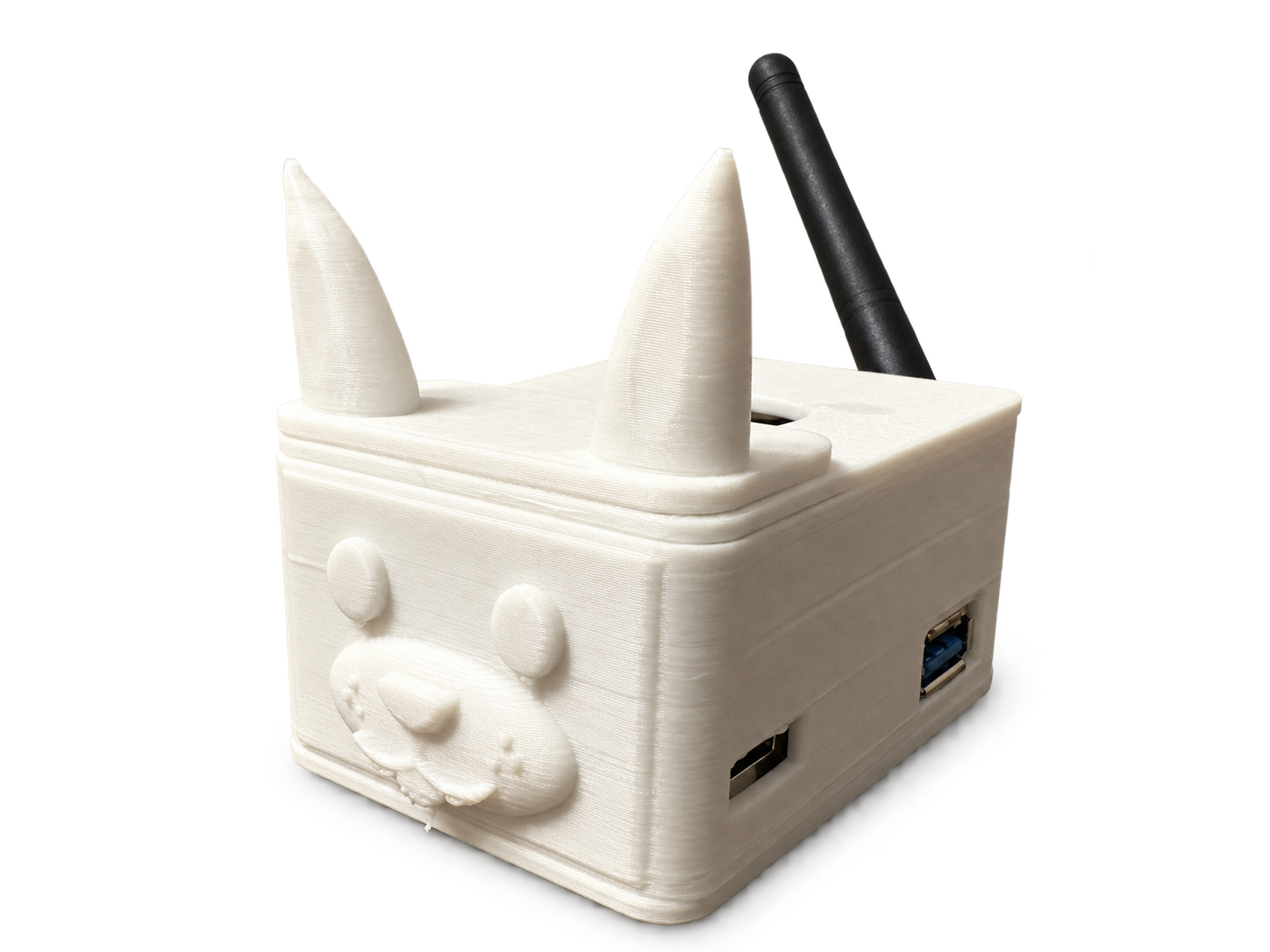
● Actual ScreenPup Home prototype
✓Protected from the startSensible defaults work right out of the box
✓Guided, not technicalPlain-language steps instead of network jargon
✓Flexible when you want itSimple controls are there when your family needs them
✓ Filtered Internet
AT HOME
ScreenPup sits beside your router and creates a protected network for your kids’ devices. It arrives with thoughtful defaults, so you can get meaningful protection without building policies from scratch.
AWAY FROM HOME
School bus, sleepover, coffee shop—ScreenPup Mobile uses a secure connection to cloud-based filtering on cellular data and other Wi-Fi networks.
✓ Filtered Internet
BUILT FOR PARENTS
Some protection tools expect you to become a network expert before they can help. ScreenPup starts with sensible choices already made and explains the controls you do use in everyday language.
WHY SCREENPUP
ScreenPup Home stores filtering activity and family settings on the appliance in your home—not in a cloud browsing-history database.
ScreenPup Home protects through its Wi-Fi network, so there is no filtering software or browser extension to install on each device.
Protect kids’ devices on your home network and add ScreenPup Mobile for supported phones on cellular data and other Wi-Fi networks.
Manage phones, tablets, computers, game consoles, and other protected devices without piecing together separate tools.
Recommended protection begins working after activation. Customize it when you want to; leave it alone when you do not.
People-based controls, understandable alerts, and plain-English settings keep networking jargon out of family decisions.
SIMPLE PRICING
Two focused products with straightforward pricing. ScreenPup Mobile works on its own; ScreenPup Home is not required.
$0 down for your ScreenPup Home device
Cloud protection—no Home device required
GOOD TO KNOW
Not at all. ScreenPup is designed for parents, not network administrators. Guided setup and recommended defaults get protection working quickly, while every optional control is explained in everyday language.
No. ScreenPup acts as the router for your kids’ protected network and connects to your existing home internet equipment. You do not need to buy an additional router or other networking equipment.
ScreenPup Home protects devices through its Wi-Fi network, so those devices need no filtering app. ScreenPup Mobile uses a one-time secure profile on each supported phone; kids do not need to switch it on every day.
ScreenPup checks each request through several layers. The layers work together with the rules you choose for your family.
Together, these layers provide broader protection than relying on a single blocklist alone.
ScreenPup is designed to focus protection on your kids’ devices. Parents can keep their devices on the regular home network with minimal disruption, while whole-home protection is available when you want it.
ScreenPup Mobile securely connects supported phones to ScreenPup’s cloud filtering service on cellular data and other Wi-Fi networks. It works independently and does not send traffic back through your home.
No. ScreenPup Mobile is a standalone cloud service. You can start with Mobile, Home, or both from the same ScreenPup account.
Start with protection that works out of the box. Fine-tune it only when your family needs something different.
Purchasing opens soon
Home $12.99/month • Mobile $4.99 per connected device/month